Advanced: AI assistant & your own API keys
Unlock the AI assistant, premium voices and page translation with your own API key.
Steps
- 1
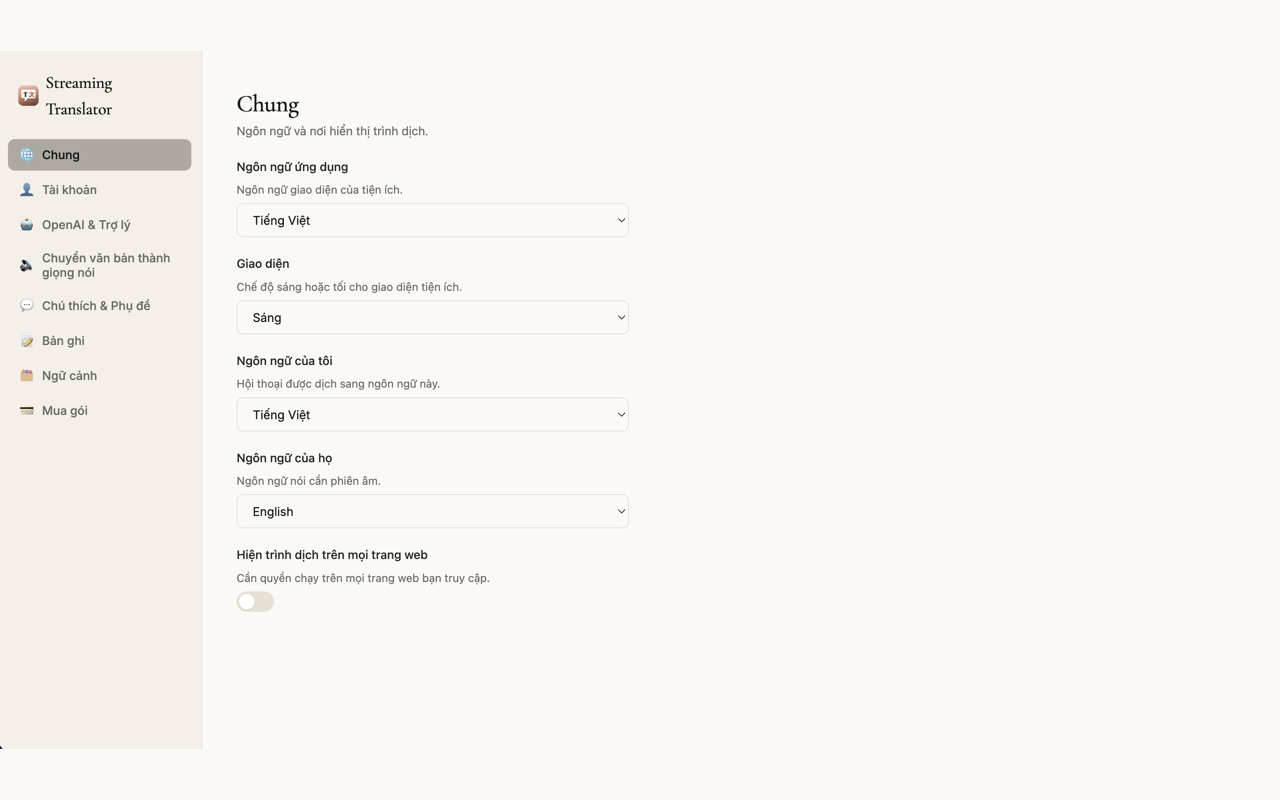
Open the extension Settings
Click the extension icon in the toolbar, then choose the gear icon (Settings). Scroll down to the API key section.
You will see: a settings page with voice, appearance and API key sections.
- 2
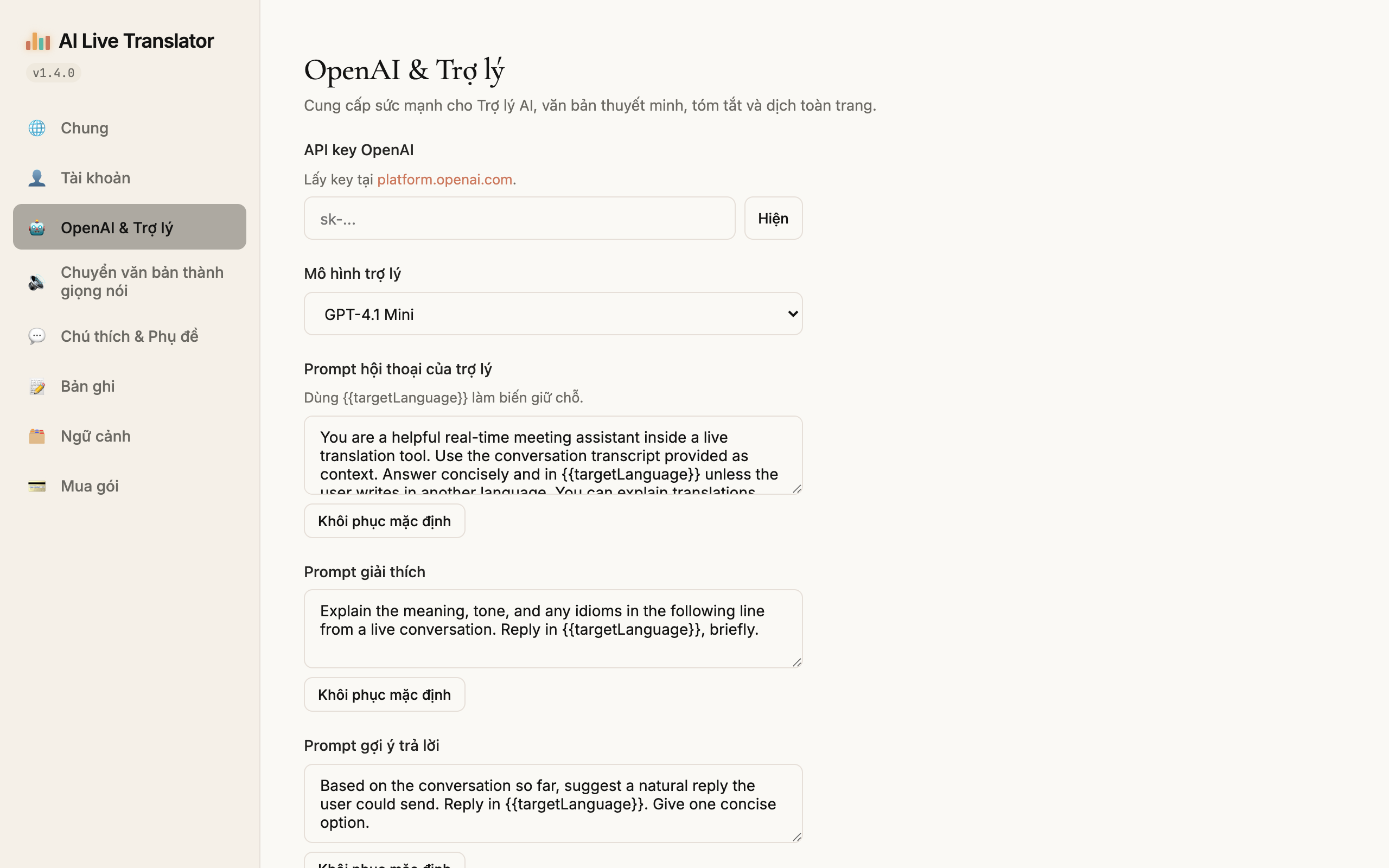
Enter your own API key
Paste your key: OpenAI to unlock the AI assistant, ElevenLabs for premium voices. The key is stored only in your browser — it is never sent to our servers.
You will see: a key input field with a green ✓ once the key is valid.
- 3
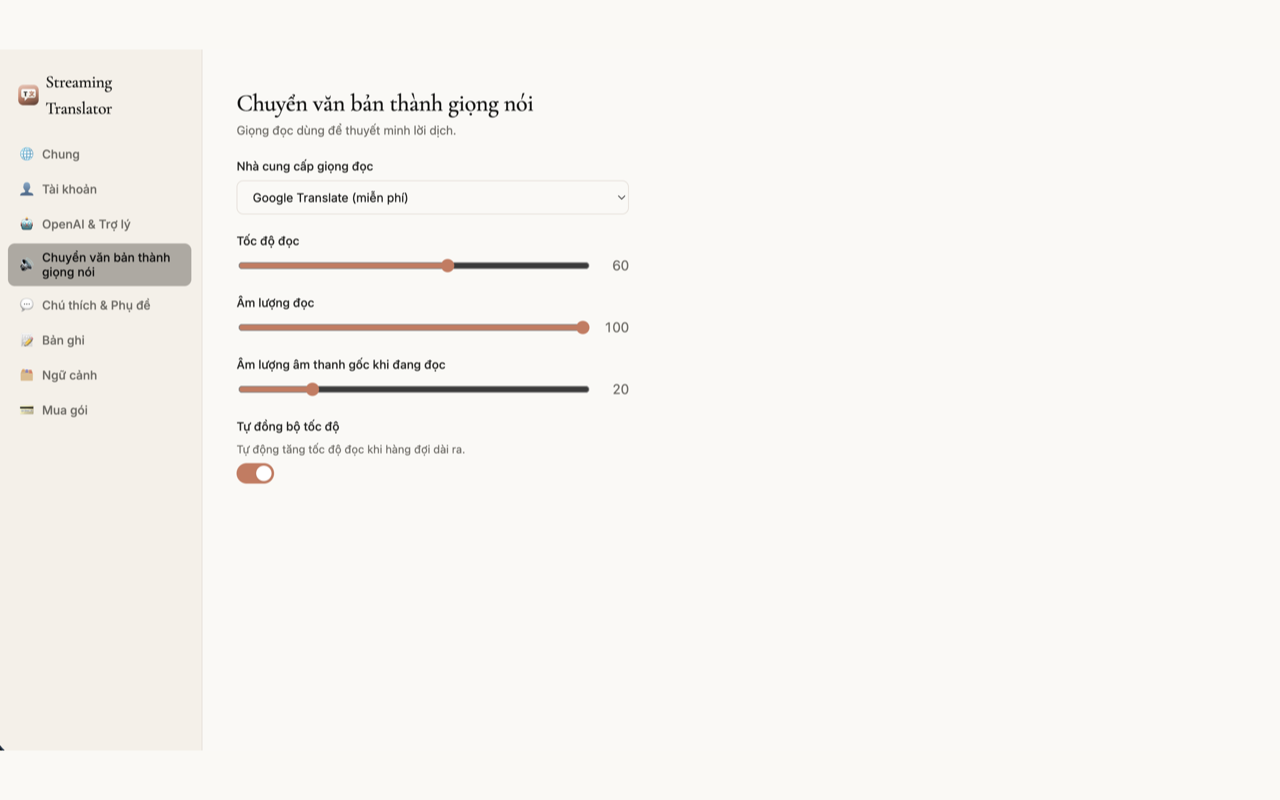
Use the AI assistant & premium voices
In the translation panel, open the Assistant tab to ask questions about what you are watching; pick an ElevenLabs voice in the voice section for a more natural-sounding translation.
You will see: the Assistant tab answering based on the current session transcript.


1 / 3